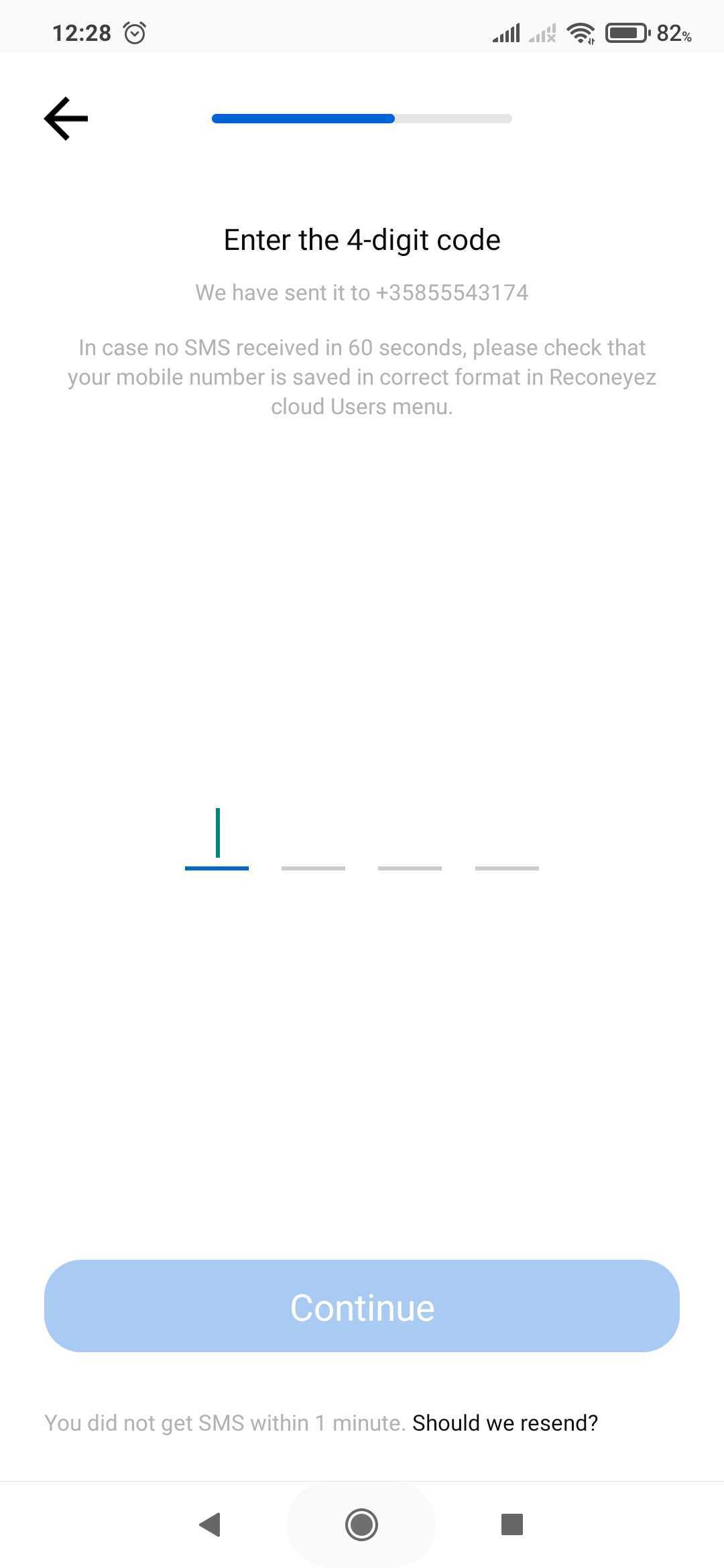
 If you are not receiving the SMS verification code sent to your phone number linked with your account to authenticate your mobile phone number in the Reconeyez App, please check the following.
- The phone number may be incorrect. Verify that you have entered the correct phone number.
- The country code chosen may be incorrect. Verify that you have entered the correct country code/prefix.
- Make sure that Reconeyez app on your device is the latest version. You can check if an update app version has been put up by opening the Reconeyez app download page in the app store (Google Play or Apple store).
- Check that the number inserted after the country prefix is without the 0 at the beginning, and that the same number is saved in the user profile on the Reconeyez cloud Users menu.
- Reboot of the mobile device helps in some cases.
- You may have a poor network connection. The SMS message sent by the server may be delayed due to factors such as poor network signal reception or unavailability of the carrier's network.